
My Computer Keeps Restarting Randomly – 7 Proven Solutions to Fix Automatic Restart Issues
Overheating, faulty drivers, or power issues can make your PC restart unexpectedly, risking data loss and system damage; in this ...
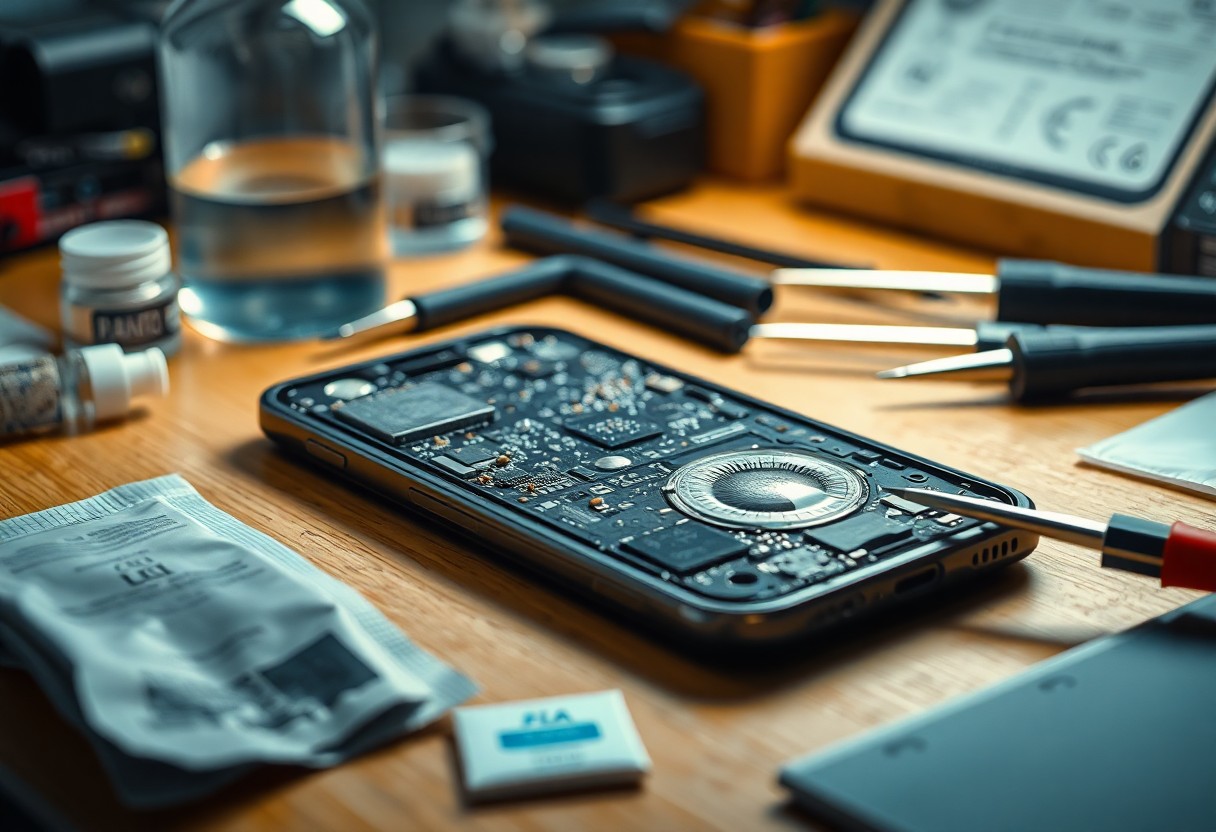
How to Fix a Water-Damaged Phone That Won’t Charge or Turn On (Emergency Recovery Methods)
You must act quickly: power your phone off, remove the SIM and external battery if possible, and blot away moisture ...

Blue Screen of Death Windows 10/11 – Complete Guide to Fix Critical Process Died Error Permanently
Most Blue Screen of Death incidents stem from the Critical Process Died fault, and this guide empowers you to identify ...

How to Replace a Laptop Keyboard That's Not Working Without Sending It for Repair
You should be able to replace a laptop keyboard yourself with clear steps that protect your device and you: first ...
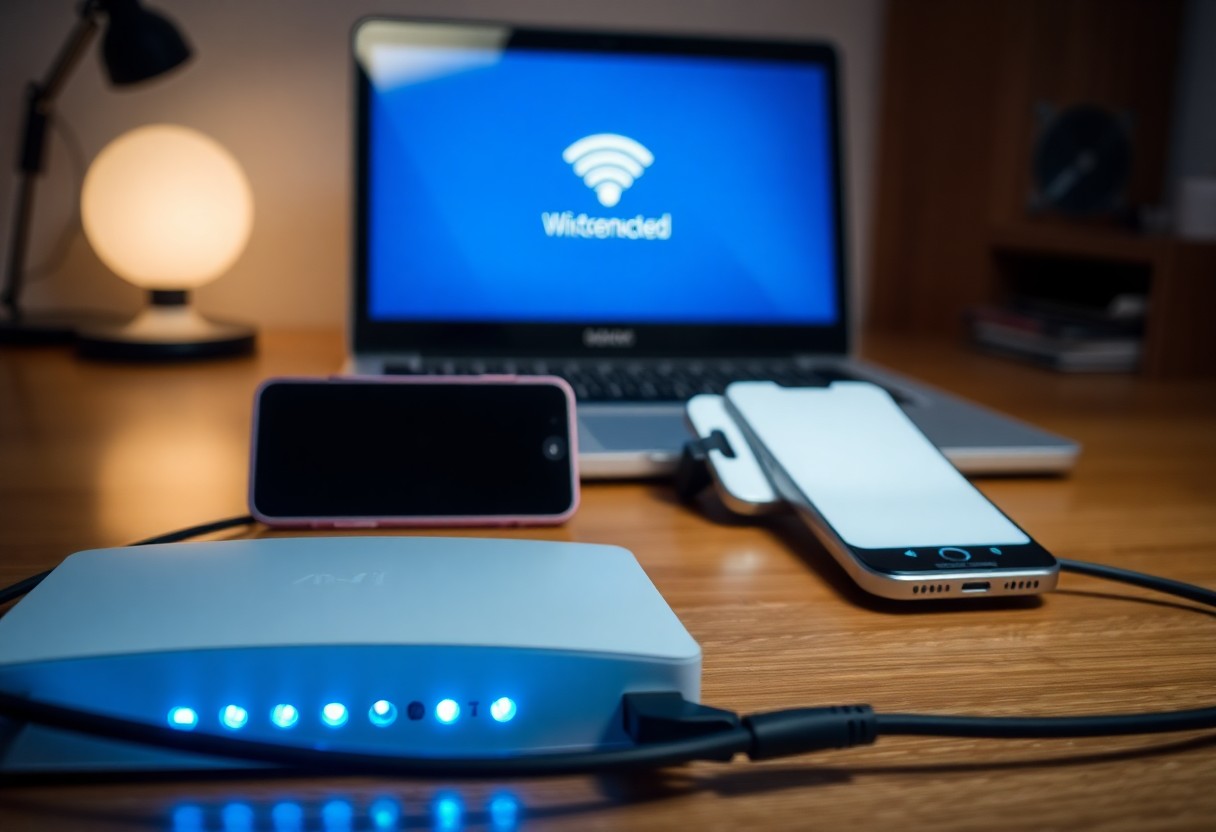
My Wi-Fi Keeps Disconnecting on Laptop But Not on Phone – How to Fix Connection Drops Forever
Troubleshooting your laptop’s Wi-Fi that drops while your phone stays connected begins with checking drivers, adapter settings, router firmware, channel ...
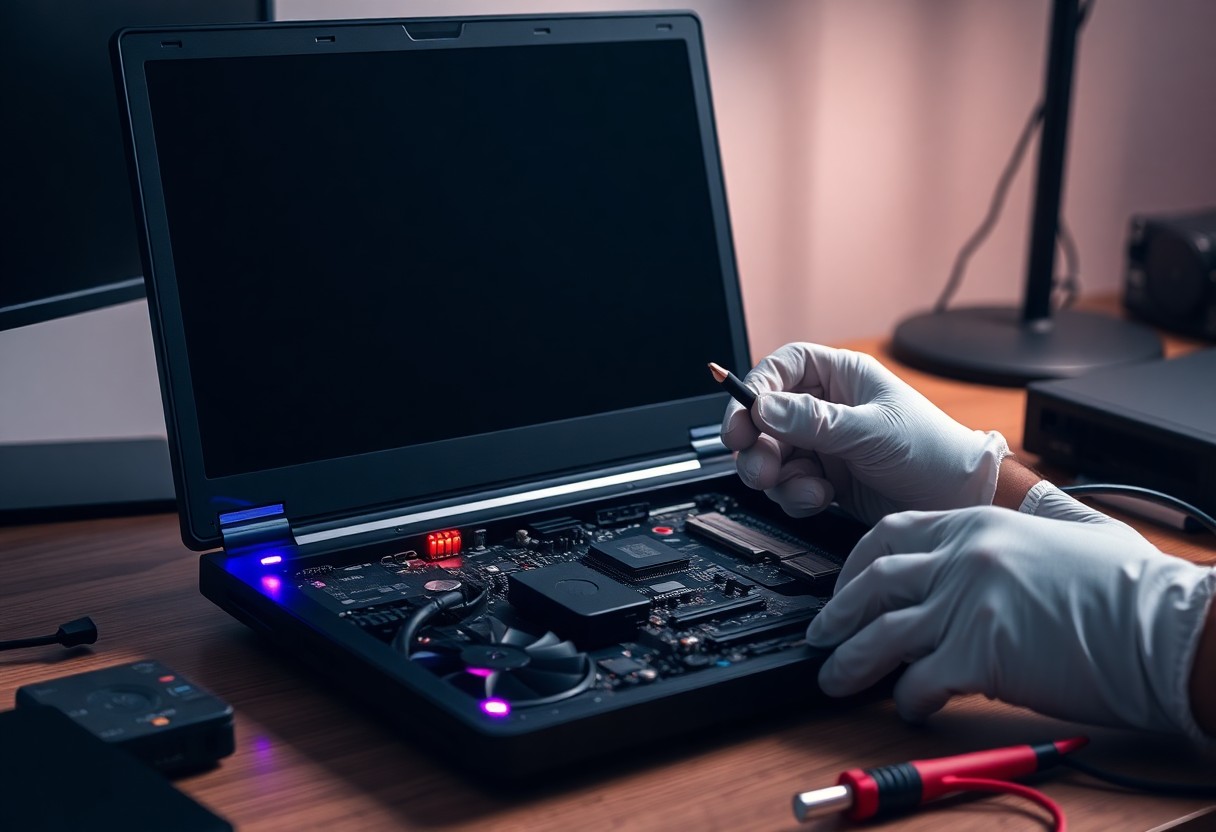
How to Fix a Black Screen on Laptop When Turned On With Lights and Fans Running
Screen issues where your laptop powers on but stays dark are often fixable by methodical checks: first try a power ...

iPhone Stuck in Boot Loop After Update – How to Fix Infinite Restart Problem Without Losing Data
There’s a persistent boot loop after an iOS update that leaves your iPhone cycling restarts; this guide shows you how ...
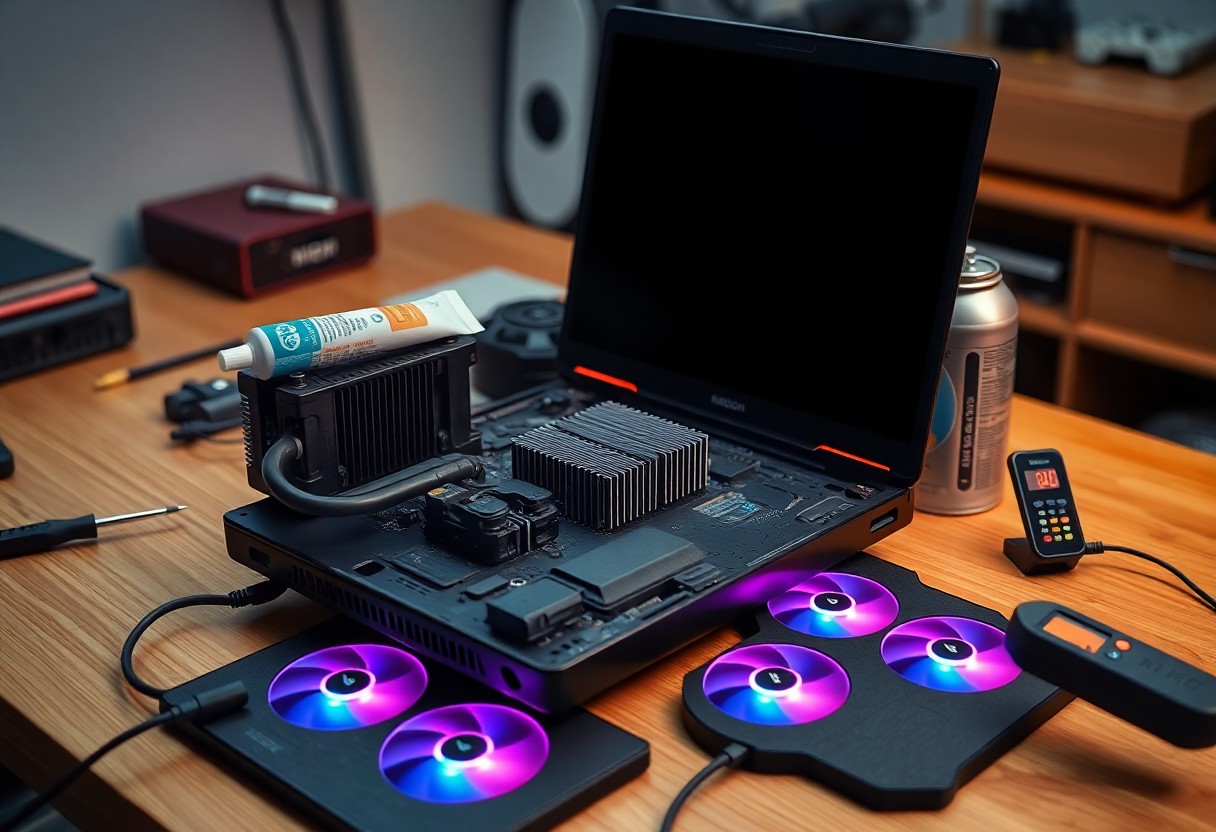
How to Fix Overheating Laptop That Shuts Down During Gaming or Heavy Use (Cooling Solutions)
Just because your laptop shuts down during gaming doesn’t mean you can’t fix it: you should address obvious airflow blockages, ...

MacBook Pro Not Charging But Plugged In – Complete Troubleshooting Guide for Charging Port Issues
Most charging issues with your MacBook Pro can be diagnosed and fixed with step-by-step checks of the cable, adapter, port, ...

How to Recover Data From a Dead Hard Drive That's Not Detected by Computer (DIY Methods)
You can often salvage data from a dead hard drive that’s not detected by your computer by following methodical DIY ...

Android Phone Won't Connect to Wi-Fi But Other Devices Work – 9 Fixes That Actually Work
Most Android phones that won’t connect to Wi‑Fi while other devices work can be fixed with targeted troubleshooting; in this ...

How to Fix a Laptop Touchpad That Stopped Working After Windows Update (All Solutions)
Over the last Windows update your touchpad may stop working; this how-to walks you through step-by-step diagnostics and fixes so ...

How to Fix USB Ports Not Working on Laptop After Windows Update (All USB Devices Not Recognized)
USB ports may stop recognizing devices after a Windows update, and you can methodically restore functionality by checking Device Manager, ...

Printer Not Printing Black Ink Even After Replacing Cartridge – Complete Troubleshooting Guide 2024
Troubleshooting a persistent black-ink failure after replacing the cartridge means you need to follow targeted steps so you can restore ...

How to Fix a Laptop Battery That's Not Charging Beyond 0% or Plugged In Not Charging Error
Most charging faults are fixable if you methodically check hardware and software so you can restore reliable power. You should ...

SSD Not Showing Up: Detection and Fix Guide
SSD not showing up? Don’t panic – you can usually diagnose and fix it without calling tech support, honestly. In ...