
Bitcoin ETF Explained – What It Really Means for Regular Investors in Plain English
Investing in Bitcoin just got simpler for everyday people. A Bitcoin ETF lets you gain exposure to Bitcoin’s price without ...
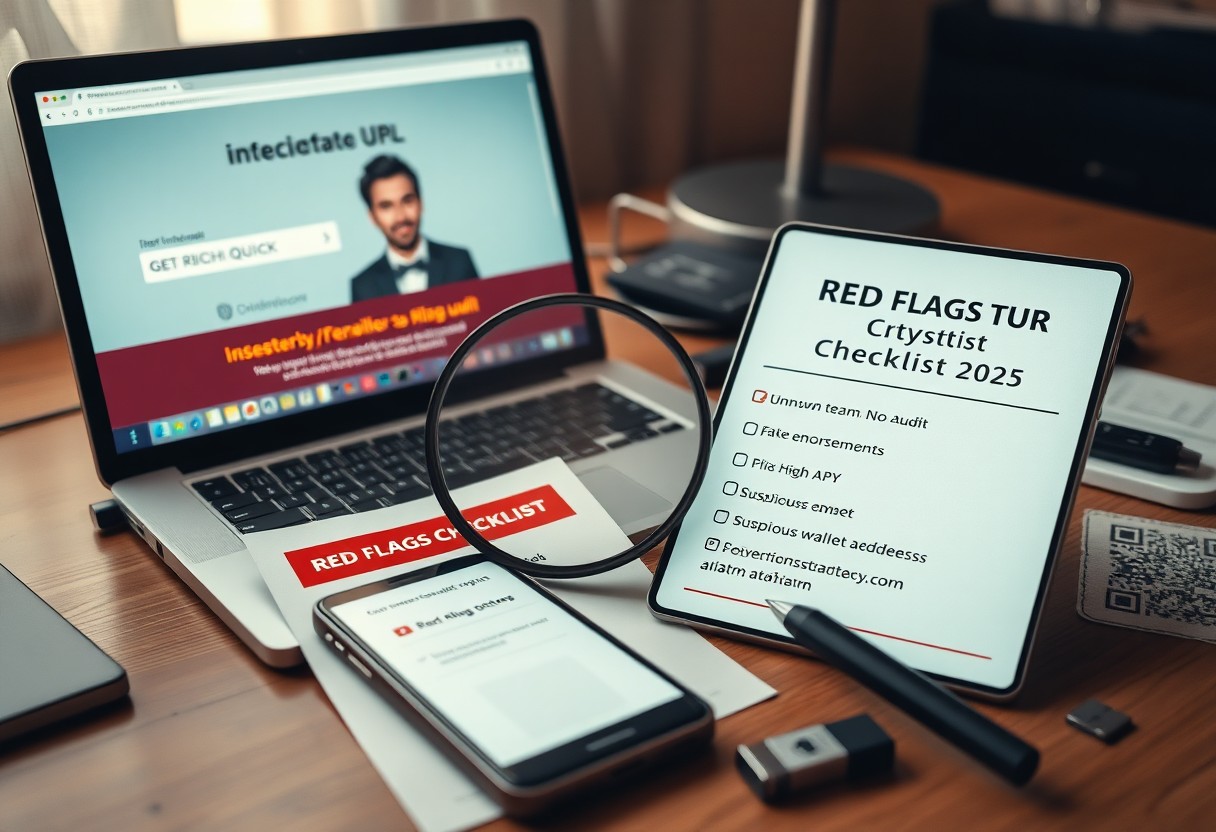
How to Spot a Crypto Scam Before It Destroys Your Savings (Red Flags Checklist 2025)
Most crypto scams rely on urgency and false trust to steal your money. If an investment promises guaranteed high returns ...

Is Crypto Still Worth It in 2025? The Brutally Honest Guide for Beginners
The 2025 Market Landscape: Influencing Factors Regulatory clarity is emerging as a defining force shaping crypto accessibility and legitimacy. Governments ...

Humanoid Robots Are Coming to Workplaces in 2025 – Here’s What’s Actually Happening
Over the next year, humanoid robots will begin entering real workplaces, not as prototypes but as functional team members. You ...

Apple Vision Pro vs Meta Quest 3 – Which Spatial Computing Device Actually Won?
Meta Quest 3 offers impressive mixed reality at half the price of Apple Vision Pro, making it accessible to far ...

Quantum Computing Explained Without the Jargon (And Why It Matters to You in 5 Years)
There’s a new kind of computer emerging that doesn’t just calculate faster-it solves problems today’s machines can’t touch. You’ll feel ...

The Foldable Phone Revolution Is Here – But Should You Actually Buy One in 2025?
There’s no denying foldable phones have arrived, with major brands now offering reliable, high-performance models. You’ll find impressive durability improvements ...

Windows 11 vs macOS Sequoia – Which OS Actually Makes You More Productive in 2025?
Many professionals in 2025 face a critical choice between Windows 11 and macOS Sequoia to maximize daily efficiency. Your workflow ...
The 10 Chrome Extensions That Saved Me 2 Hours a Day (Productivity Power Users Only)
It’s possible to reclaim 2+ hours every single day by using the right tools-and these Chrome extensions are proven performers ...
How to Speed Up Any Windows PC in Under 10 Minutes (Without Reinstalling Windows)
You can fix a slow Windows PC in under 10 minutes without losing any data or reinstalling the OS. Disabling ...

AI Video Generation in 2025 – Sora, Runway, Kling – Which One Should You Actually Use?
It’s 2025, and AI video tools have evolved faster than most expected. You now face real choices: Sora offers Hollywood-grade ...
I Tested 7 AI Assistants for a Full Month – Here's the Only One Worth Paying For in 2025
Assistants I tested for a month revealed one standout; you should consider paying for it in 2025 due to superior ...

The 7 VPN Lies the Industry Doesn't Want You to Know (And What Actually Keeps You Safe)
There’s a lot of marketing myths about VPNs; you need to know the 7 lies that hide risks like logging ...
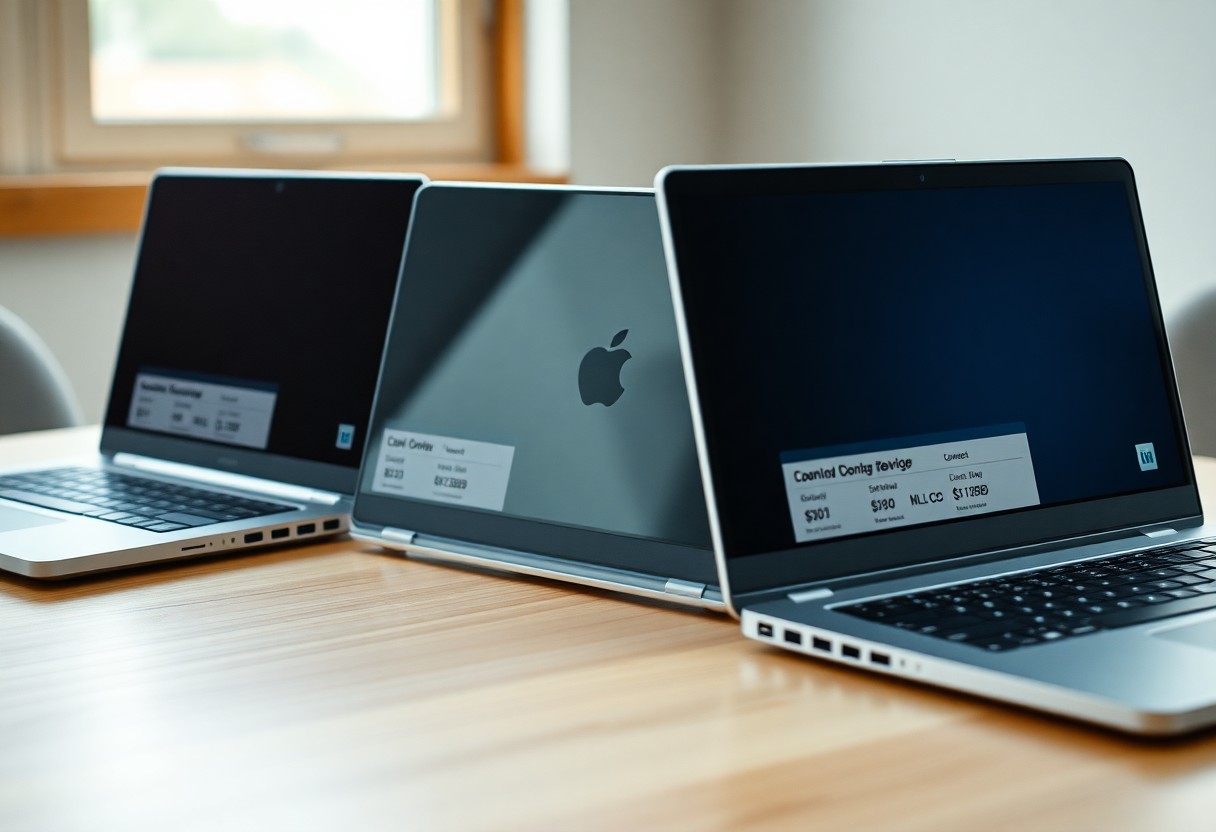
Best Budget Laptops Under $500 in 2025 That Actually Last More Than a Year
There’s a smart selection of budget laptops under $500 you can trust, with sturdy builds, long battery life, and warnings ...
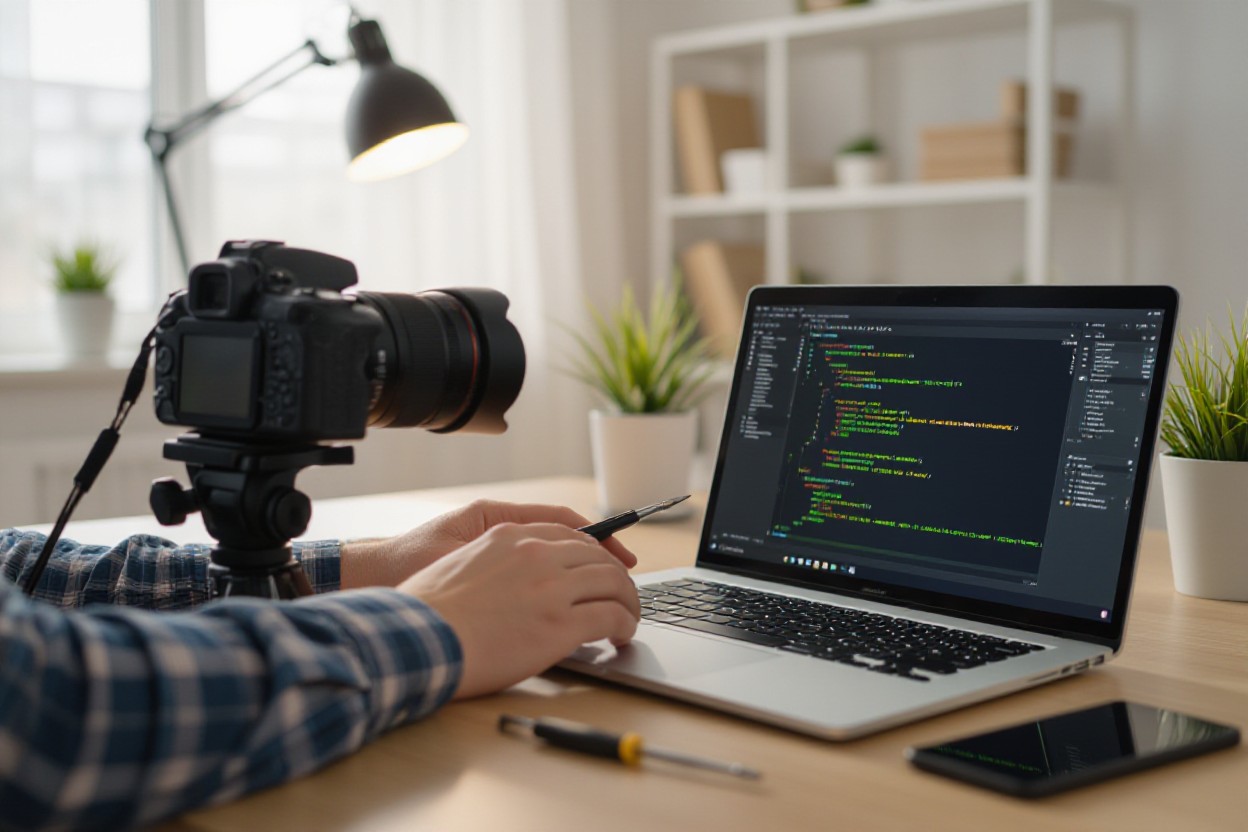
How to Fix Camera Not Working on Laptop/Phone
camera acting up on your laptop or phone? look, that sucks, but you can fix it – honestly, I think ...
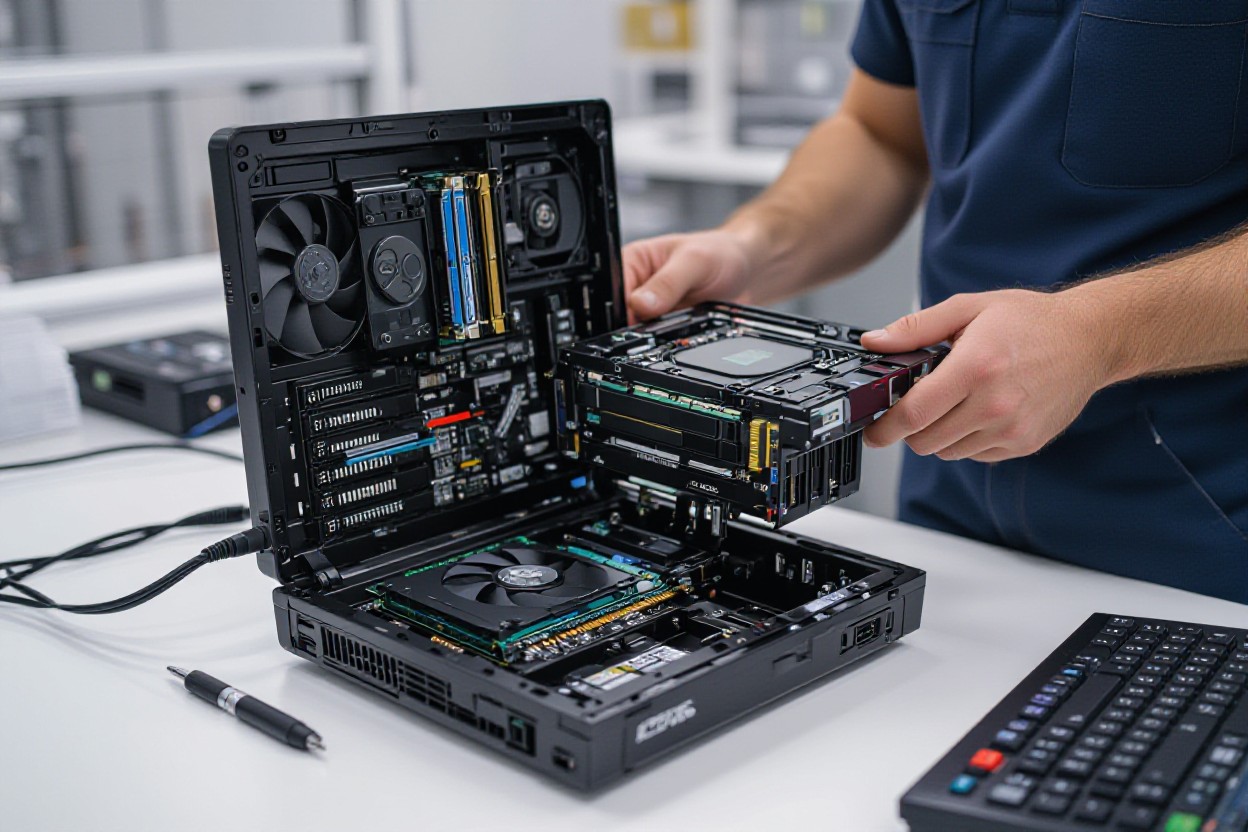
How to Upgrade Your Computer RAM
Why Upgrade Your RAM? If your system feels sluggish when you juggle browser tabs, virtual machines, or big Photoshop files, ...