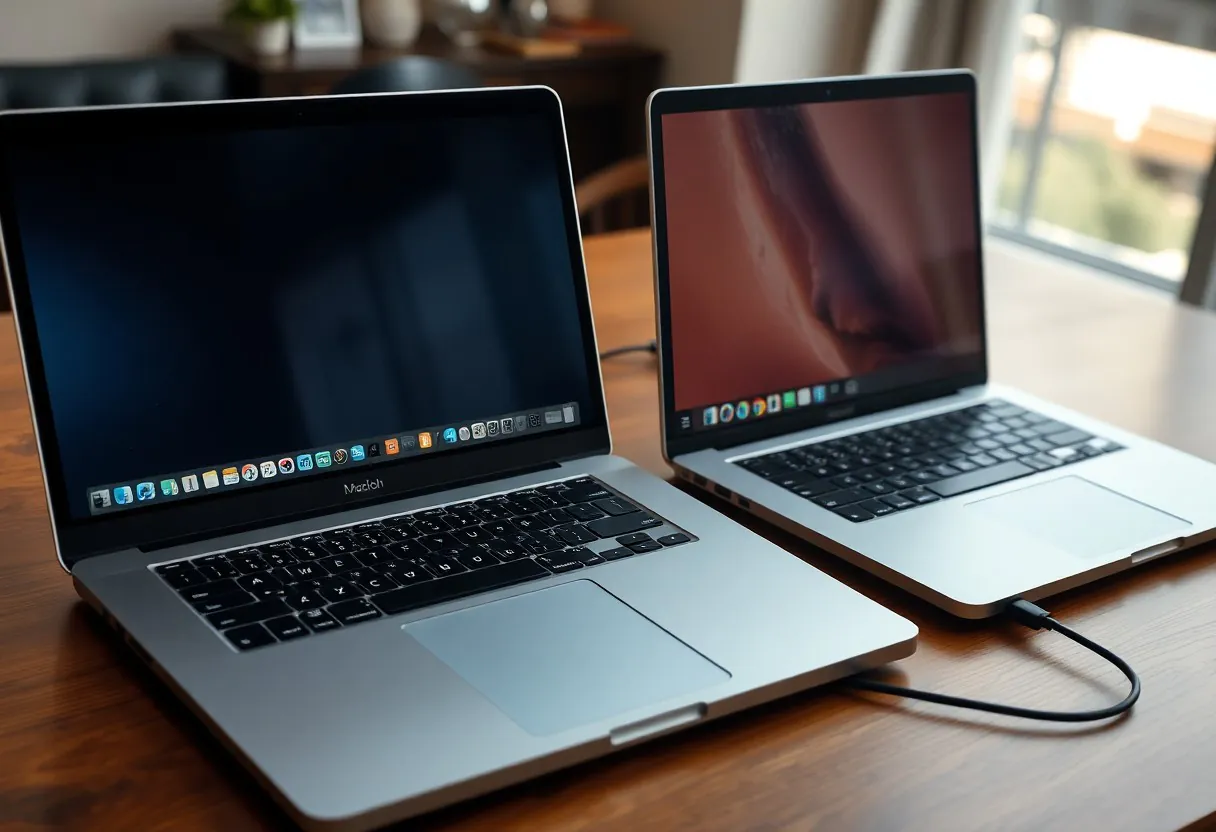

Most people assume switching between ecosystems is simple, but after six months of daily use, the MacBook Air M3’s battery life and build quality stand out. You’ll notice the lack of certain ports and app compatibility issues can be frustrating, especially if you rely on Windows-specific software. Performance remains consistently smooth, even under heavy multitasking, but your workflow determines which machine truly wins.
The Cold Feel of Aluminum
Aluminum defines the MacBook Air M3’s exterior, giving it a sleek, minimalist look that turns heads. You feel its cool touch the moment you open the lid, a signature trait that signals premium build. This material doesn’t just look good-it dissipates heat efficiently, keeping performance stable during long tasks.
Over months of use, the metal resists scratches better than plastic alternatives. You’ll notice fewer signs of wear, even with daily commuting. Its rigidity supports internal components without adding bulk, contributing to the laptop’s featherlight profile.
M3 Structural Integrity
Apple’s unibody design ensures the M3 MacBook Air withstands daily stress without creaking or warping. You can toss it in a bag without fearing structural damage. The chassis maintains alignment around ports and hinges, even after repeated drops, a testament to precision engineering.
Unlike laptops with visible seams or loose panels, this one feels like a single, solid piece. You’ll appreciate how the display stays stable when adjusting the screen. No flex in the keyboard deck means typing remains consistent and firm, enhancing long-term comfort.
The Windows Flex
Many Windows laptops use plastic or magnesium alloy to cut costs, and you feel the difference immediately. Lift the screen from one corner and slight bending is common. This flex can loosen hinges over time, risking screen wobble or connection issues.
Even mid-range models often compromise rigidity for thinness. You might notice the keyboard base giving under firm typing. Over six months, that small flex adds up-leading to creaks, misalignment, or even internal stress on components.
While some premium Windows devices match Apple’s build, most in the same price range don’t. You’re more likely to encounter a chassis that feels less cohesive, with panels that shift slightly under pressure. This lack of uniform stiffness impacts both durability and user confidence, especially when working on uneven surfaces.
Endurance Under the Sun
Your MacBook Air M3 delivers exceptional all-day battery life, consistently lasting 14 to 16 hours under mixed use. Even with screen brightness above 60%, streaming, and multiple apps running, you’ll rarely need to charge before sunset.
Windows laptops vary wildly in comparison. Some match Apple’s efficiency, but most fall short-especially under direct sunlight or heavy multitasking-where thermal throttling and dimming screens undercut productivity.
All Day Battery
Battery stamina defines your workflow freedom. The MacBook Air M3 grants real-world usage beyond 14 hours, whether you’re editing documents, browsing, or watching videos offline.
Many Windows counterparts advertise long life but fail to deliver under consistent loads. Real brightness, background updates, and fan activity drain power faster than claimed.
The Hunt for Power
Chasing outlets becomes a routine with most Windows laptops. Their power adapters are often bulky, and USB-C charging isn’t always full-speed across all ports.
You’ll notice the MacBook Air’s efficiency here-one lightweight charger sustains full performance, and you can top up using portable power banks.
When traveling or working remotely, the ability to rely on alternative charging sources gives the MacBook Air a clear edge. Most Windows devices lock fast charging behind proprietary tech, limiting flexibility when you’re away from your desk.

The Quiet and the Noise
Apple’s silent operation stands out when you’re working in a library or late at night. The M3 MacBook Air has no fan, so it never interrupts your focus with mechanical noise. You get pure, uninterrupted silence, even under heavy workloads, thanks to its efficient architecture.
Windows laptops often rely on active cooling, and that means fans kick in-sometimes loudly. Even premium models spin up under moderate stress, breaking your concentration. This constant background noise becomes a hidden tax on productivity you didn’t know you were paying.
Silent Logic
Silence isn’t just about comfort-it’s about sustained focus. The MacBook Air’s fanless design means your thoughts stay undisturbed. You’re not pulled out of flow by sudden whirring every time you compile code or render a video.
Apple’s chip efficiency makes passive cooling viable, even for demanding tasks. You’ll notice how rare it is for a Windows ultrabook to stay completely silent under load. Most can’t match this level of thermal composure without sacrificing performance.
Fan Speed Stress
Fan behavior on Windows laptops can feel unpredictable. You might be editing a document when suddenly the fans roar to life for no clear reason. This erratic response creates subtle anxiety-you start questioning whether something’s wrong.
Some systems never truly settle, maintaining a low hum even during idle. You’re constantly reminded the machine is working hard, even when you’re not. It’s a small irritation that accumulates over time.
What makes fan speed stress worse is that it often signals thermal throttling. When your laptop can’t dissipate heat efficiently, performance drops without warning. You lose speed right when you need it most, and the noisy fan is just the symptom of a deeper inefficiency.
Working the Keys
Your fingers meet the keyboard with every task, and the M3 MacBook Air’s keys deliver consistent, quiet feedback that makes long typing sessions effortless. Windows laptops vary, but most can’t match the uniform key stability across the board.
Many Windows counterparts use deeper key travel to simulate comfort, but often sacrifice stability. The MacBook’s refined scissor mechanism keeps actuation smooth and precise, reducing fatigue over time.
Trackpad Precision
Apple’s Force Touch trackpad remains in a class of its own, responding to gestures with pixel-perfect accuracy and uniform pressure detection. You’ll notice fewer misclicks and smoother scrolling.
Windows laptops often rely on third-party touchpads with inconsistent drivers. Even high-end models struggle to match the seamless palm rejection and gesture responsiveness built into macOS.
Keyboard Travel
Shallow travel defines the MacBook Air’s keyboard, yet it’s tuned to actuate early and reliably. You don’t need to press hard, which reduces strain during extended writing or coding.
Some users expect deeper travel for tactile satisfaction, but Apple’s engineering minimizes bottoming out. The result is fewer errors and faster input over hours of use.
What sets the keyboard travel apart is how Apple balances minimal height with responsiveness. Each key press registers at the right moment, avoiding the mushy feel common in thin Windows laptops. This precision tuning reduces finger fatigue and supports faster, more accurate typing-especially when you’re deep in workflow.

The Reality of the Cost
Price shock hits when you look beyond the sticker. The MacBook Air M3 starts high, and upgrades double the cost fast. Windows laptops offer similar specs for less, especially during sales.
You’ll pay more upfront for macOS, but resale value stays strong over time. Windows machines depreciate faster, though flexibility in pricing gives you more entry points.
Long Term Worth
Apple’s build quality means your MacBook Air will likely last 5+ years with ease. That longevity offsets the steep initial price if you keep devices long-term.
Windows laptops vary widely-some feel flimsy in months. Choose carefully, or you’ll replace sooner and pay more over time, even with a lower starting cost.
Software Stability
macOS rarely crashes. Updates install smoothly, and background optimization keeps performance consistent month after month.
Windows can feel cluttered over time. Bloatware and driver conflicts may slow things down, though clean installs help.
One thing stands out: macOS is tuned precisely for Apple’s hardware. You won’t face surprise blue screens or update rollbacks. Background processes stay predictable, apps launch reliably, and sleep/wake never fails. That daily consistency is something you miss only when it’s gone.
Conclusion
Upon reflecting on six months of daily use, the MacBook Air M3 proves itself as a focused, efficient machine ideal for productivity and portability. You experience consistent performance, exceptional battery life, and a refined ecosystem that just works.
A Windows laptop offers broader software flexibility and hardware variety, but often at the cost of uniformity and optimization. Your choice depends on your workflow-macOS delivers polish, while Windows provides adaptability.