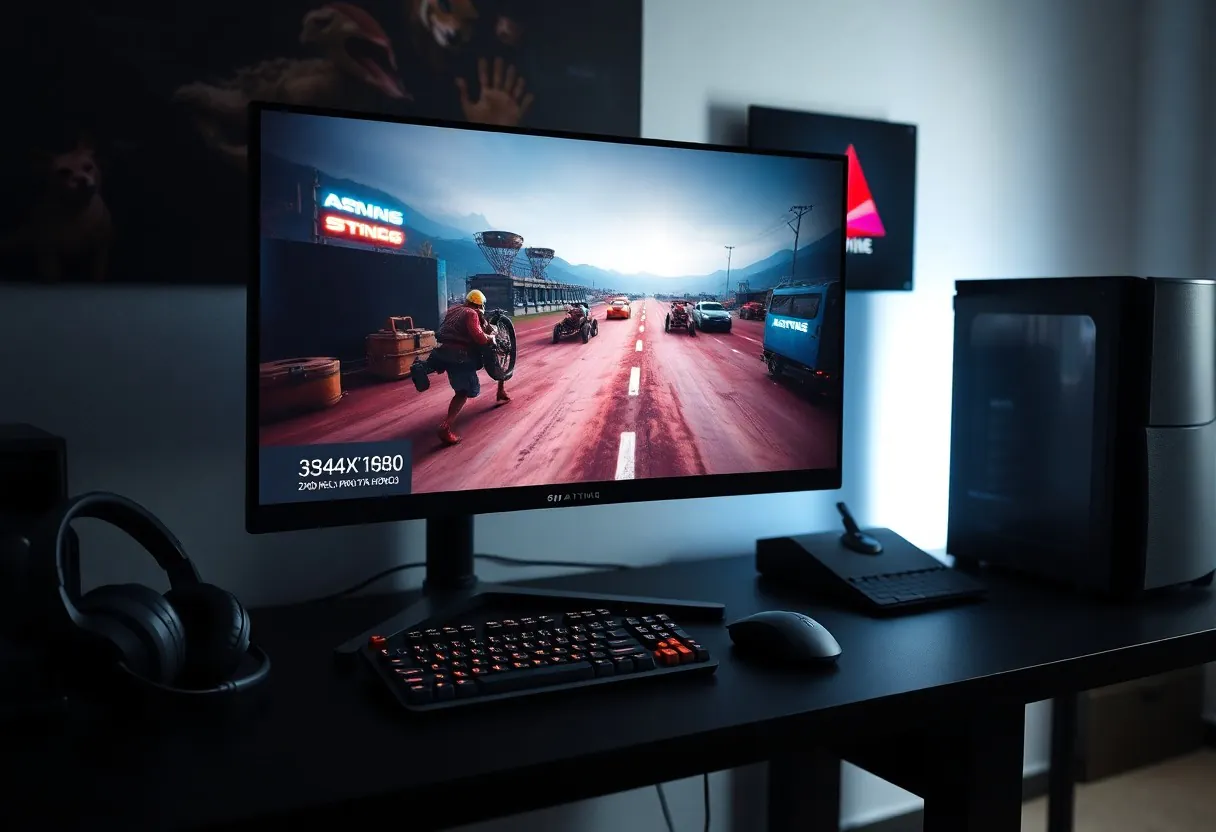

Guide your next upgrade with clarity: not all specs are worth your attention. Refresh rates above 144Hz deliver smoother gameplay, while response times under 5ms prevent ghosting. Ignoring panel type can ruin your visual experience, and overspending on 8K is a waste-1440p dominates in performance and value.
Dominant Panel Types and Their Applications
You’ll mainly encounter three panel types in 2025: IPS, VA, and TN. Each serves different gaming needs based on color accuracy, response time, and viewing angles. TN panels deliver the fastest response, ideal for competitive shooters. IPS offers superior color and wide viewing angles, perfect for immersive gameplay. VA strikes a balance with deep blacks and decent speed. The
| Panel Type | Best For |
| IPS | Color accuracy, creative work, open-world games |
| VA | Contrast ratio, dark room gaming, single-player titles |
| TN | Response time, esports, fast-paced competitive play |
| OLED | Perfect blacks, HDR impact, premium gaming experience |
Comparing IPS, VA, and TN for Competitive Play
Speed defines competitive gaming, and TN still leads in raw response time. IPS has closed the gap with newer 1ms variants, offering better visuals without major input lag. VA tends to lag behind due to slower pixel transitions, making it less ideal for rapid motion.
| Feature | Performance |
| Response Time | TN > IPS > VA |
| Color Quality | IPS > VA > TN |
| Viewing Angles | IPS > VA > TN |
| Input Lag | All are competitive at 1ms GtG or lower |
The Rise of OLED and QD-OLED in 2025
OLED technology dominates premium gaming monitors in 2025 with infinite contrast and pixel-level lighting. Burn-in concerns have lessened thanks to smarter pixel refresh and AI-driven UI dimming. QD-OLED enhances color volume, delivering lifelike HDR that IPS can’t match. The
Manufacturers now offer 240Hz OLED panels, merging speed with visual perfection. You get instant response, zero backlight bleed, and stunning brightness in QD-OLED variants. These panels redefine immersion, especially in dark scenes where every shadow matters. The leap in quality justifies the cost for enthusiasts who demand the best. The
Critical Performance Factors for Smooth Gameplay
Your gaming monitor’s ability to keep up with fast-paced action hinges on a few key specs that directly impact fluidity and clarity. Prioritize refresh rates, response times, and VRR support to eliminate visual disruptions. Any
- High refresh rates deliver smoother motion
- VRR technology reduces screen tearing
- Low GtG times minimize ghosting
Refresh Rates and Variable Refresh Rate (VRR) Technology
Refresh rate determines how many frames your monitor can display per second. A 144Hz or 240Hz panel makes movement appear significantly smoother than standard 60Hz. Pairing high refresh rates with VRR like FreeSync or G-Sync prevents screen tearing. Any
Understanding Real-World GtG Response Times
Manufacturers often quote best-case gray-to-gray (GtG) response times, but real performance varies by pixel transition type. Slower transitions between dark grays can still cause visible ghosting or smearing, especially in shadows. Look for reviews that test multiple transition speeds. Any
Black-to-white and dark gray transitions often take longer than advertised averages, creating motion artifacts during intense scenes. True performance depends on the panel’s overdrive tuning-too aggressive causes inverse ghosting. Any
Weighing the Pros and Cons of Modern Display Standards
Every display standard brings trade-offs that directly impact your gaming experience. Choosing the right one means aligning specs with how and where you play.
| Standard | Pros & Cons |
|---|---|
| HDMI 2.1 | Supports 4K at 120Hz; limited cable quality control can cause issues |
| DisplayPort 2.0 | Massive bandwidth headroom; few GPUs support it in 2025 |
| FreeSync | Cost-effective VRR; limited to AMD and some Nvidia cards |
| G-Sync Compatible | Works on many DisplayPort monitors; premium pricing |
| Mini-LED | Superior contrast and brightness; prone to blooming in dark scenes |
| OLED | Perfect blacks and response times; risk of burn-in with static HUDs |
| QD-OLED | Better color than standard OLED; higher cost and availability |
| 144Hz Panels | Smooth motion at competitive frame rates; overkill for casual play |
| 240Hz+ Panels | Edge in pro esports; diminishing returns for most players |
| USB-C with DP Alt Mode | Single-cable solution for laptops; power delivery varies |
The 1440p Sweet Spot versus 4K Visual Fidelity
You get sharper detail with 4K, but 1440p offers a balanced mix of performance and clarity. Most GPUs handle 1440p at high frame rates without strain.
4K demands more from your hardware, often requiring DLSS or FSR to maintain smooth gameplay. For competitive edge, 1440p remains the most practical resolution in 2025.
Glossy versus Matte Screen Coatings
Glossy screens deliver richer colors and deeper blacks, making games look more cinematic. They also reflect ambient light, which can be distracting.
Matte coatings reduce glare and work better in bright rooms. However, they can slightly diffuse image sharpness and introduce a grainy texture.
Reflections on glossy panels can break immersion, especially near windows or bright lights. If your room isn’t controllable, a matte finish prevents visual interference and keeps focus on gameplay-fewer distractions mean better reaction times.
Step-by-Step Guide to Matching Specs with Hardware
Your gaming monitor’s performance hinges on alignment with your system’s output. Mismatched specs lead to wasted potential or bottlenecks. Match resolution and refresh rate to your GPU’s capabilities and ensure your ports support the bandwidth required.
| Monitor Spec | Hardware Requirement |
| 1440p @ 144Hz | GPU: RTX 3060 / RX 6600 or better; Port: DisplayPort 1.4 or HDMI 2.1 |
| 4K @ 120Hz | GPU: RTX 4070 / RX 7800 XT or better; Port: HDMI 2.1 or DisplayPort 2.0 |
Assessing GPU Capability and Port Bandwidth
You need to verify that your graphics card can sustain high frame rates at your chosen resolution. A high-refresh monitor is wasted if your GPU can’t keep up. Check game benchmarks for your system to avoid overbuying.
Your cable and port version determine real-world performance. HDMI 2.0 can’t handle 4K at 144Hz-you’ll face limitations without HDMI 2.1 or DisplayPort 1.4+. Always match cable specs to your monitor’s max refresh rate.
Measuring Desktop Space and Optimal Viewing Distance
Your desk size dictates how large a monitor you can comfortably use. A 32-inch display on a cramped desk causes strain and reduces usability. Measure depth and width, leaving room for peripherals.
Viewing distance affects immersion and eye comfort. Sit 24-30 inches from a 24-27-inch screen. Larger panels, like 32-inch ultrawides, need 36+ inches. Too close, and you’ll feel overwhelmed; too far, and detail fades.
Proper spacing ensures long gaming sessions remain comfortable. If your desk is under 60cm deep, avoid monitors over 27 inches. Curved screens can enhance immersion at wider angles but require centered positioning. Always account for stand size and cable management space-clutter ruins ergonomics. Test mockups with cardboard if unsure.
Expert Tips for Future-Proofing Your Investment
Choose a monitor with HDMI 2.1 and DisplayPort 2.1 to ensure compatibility with next-gen consoles and GPUs. Prioritize at least 1440p resolution and 120Hz refresh rate to stay relevant through 2030. Assume that
- DisplayPort 2.1 supports up to 16K at 60Hz, making it ideal for future upgrades
- HDMI 2.1 delivers 4K at 120Hz, crucial for PS5 and Xbox Series X
- Look for monitors with DSC (Display Stream Compression) for higher bandwidth efficiency
Navigating HDMI 2.1 and DisplayPort 2.1 Standards
Bandwidth matters more than the port label. Not all HDMI 2.1 ports support full 48Gbps; some are “enhanced” versions with limitations. Always verify full spec compliance in product details.
DisplayPort 2.1 outperforms HDMI in raw bandwidth, enabling higher resolutions and refresh rates over a single cable. Assume that
Identifying Essential Ergonomic and Eye-Care Features
Adjustable stands with height, tilt, and swivel settings reduce neck strain during long sessions. Built-in flicker-free backlights and low blue light modes protect your eyes over time.
Monitors with matte anti-glare coatings perform better in bright rooms. Assume that
Long gaming sessions demand physical comfort as much as visual performance. A monitor with full ergonomic adjustability lets you position the screen at eye level, reducing posture strain. Combine this with adaptive brightness and certified eye-care technologies to minimize fatigue without sacrificing image quality.
To wrap up
Presently, you know exactly which specs shape your gaming experience. Prioritize refresh rate, response time, resolution, and panel type-these directly impact performance and visual quality. Ignore marketing noise and focus on what your eyes and reflexes will actually perceive during gameplay.
You don’t need the most expensive monitor, just the right balance of speed and clarity for your setup and play style. Choose based on your GPU’s output and the games you play most.