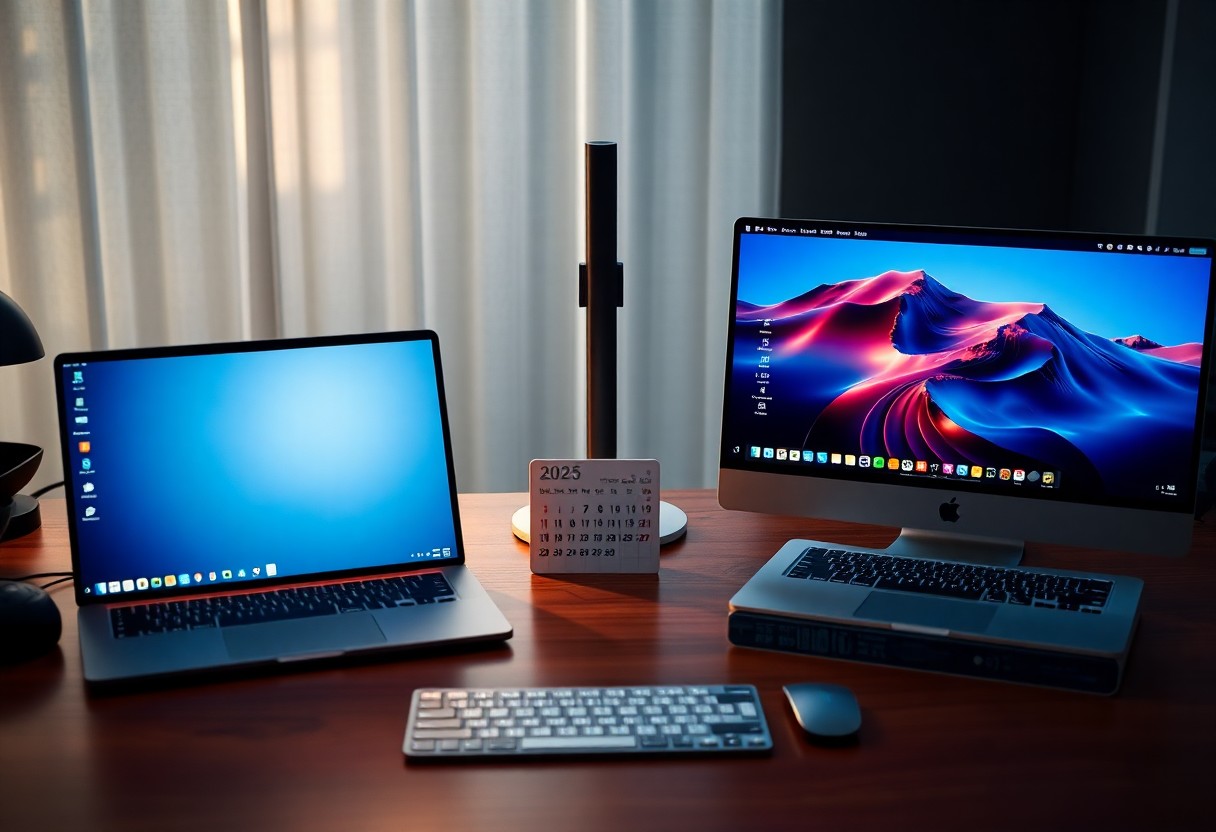

Many professionals in 2025 face a critical choice between Windows 11 and macOS Sequoia to maximize daily efficiency. Your workflow can be slowed by hidden compatibility issues or accelerated by deeply integrated AI tools. Each OS offers distinct advantages in multitasking, app ecosystems, and hardware synergy-your productivity hinges on aligning these with your specific needs.
The Order of the Screen
Your screen layout shapes how quickly you access tools and stay focused. Windows 11’s Snap Layouts let you organize apps with precision, adapting to multitasking needs in real time. You can split windows into predefined zones, making it easier to manage complex workflows without clutter.
macOS Sequoia refines this with Stage Manager’s smarter grouping, isolating active tasks while keeping others just a glance away. You gain fewer distractions and smoother context switches, especially on smaller displays. Your productivity hinges on which system aligns with your visual rhythm.
The Strength of the Engine
Your productivity hinges on how well the operating system manages hardware resources. Windows 11 excels with broader hardware support, letting you choose from high-performance desktops to compact laptops tailored to your workflow. This flexibility means you can build or buy a machine that matches your exact needs without compromise.
macOS Sequoia, in contrast, is finely tuned for Apple’s own silicon. You gain unmatched efficiency and battery life on M-series chips, with apps launching faster and multitasking feeling effortless. Because the OS and hardware evolve together, you get a tightly integrated experience that just works-quietly boosting your output all day.
The Hunt for Files
Finding documents fast defines your daily rhythm. Windows 11’s File Explorer now integrates AI-powered search that scans content within files, not just names-cutting retrieval time in half for complex queries. You no longer need to remember exact filenames when hunting contracts or spreadsheets.
macOS Sequoia refines Spotlight with deeper app indexing, letting you pull up recent emails, notes, and images across platforms instantly. Its natural language search understands phrases like “photos from Yosemite last June,” delivering accurate results without extra clicks.
The Logic of Automation
System-Wide Shortcuts and Scripting
You streamline repetitive tasks faster on macOS Sequoia thanks to deeply integrated Shortcuts support across all apps. Whether you’re resizing images in bulk or auto-filing downloads, the system anticipates your workflow with minimal setup. Apple’s continuity ensures these automations run silently and reliably, even across devices.
AI-Driven Workflows in Windows 11
Windows 11 introduces Copilot+ automations that react to your behavior in real time-like drafting emails when you open Outlook or preloading files before a meeting. While powerful, these suggestions sometimes trigger unexpected actions without clear opt-out paths, risking workflow disruption if not closely monitored.
The Discipline of Focus
Windows 11 sharpens your attention with Focus Sessions integrated directly into the Clock app, pairing time management with Spotify-powered ambient soundscapes. You can schedule blocks of uninterrupted work that align with your natural rhythm, reducing distractions before they start.
macOS Sequoia takes a stricter approach-System-wide Focus Modes silence notifications and hide apps not relevant to your current task. When you’re deep in work, the OS enforces boundaries, making it harder to drift into unproductive habits without intentional effort.
The New Intelligence
Windows 11’s Copilot integration puts real-time AI assistance directly in your workflow, letting you draft emails, summarize documents, and automate tasks with natural language. You can access it with a single click, and it works across Microsoft 365 apps, making daily productivity faster and more intuitive.
macOS Sequoia introduces Apple Intelligence, a system-level AI that learns your habits and streamlines communication, scheduling, and content creation. While it’s deeply private and tightly woven into the Apple ecosystem, its current functionality feels more limited in scope compared to Microsoft’s broader toolset.
Conclusion
So your productivity in 2025 depends less on whether you choose Windows 11 or macOS Sequoia and more on how your workflow aligns with each system’s strengths. You thrive on Windows with multitasking and software flexibility, while macOS excels in consistency, battery efficiency, and tight hardware integration.
You decide based on your tools, habits, and ecosystem. Neither OS holds a universal edge-your real advantage comes from mastering the one that fits how you work.